Month: January 2017

Animation Style

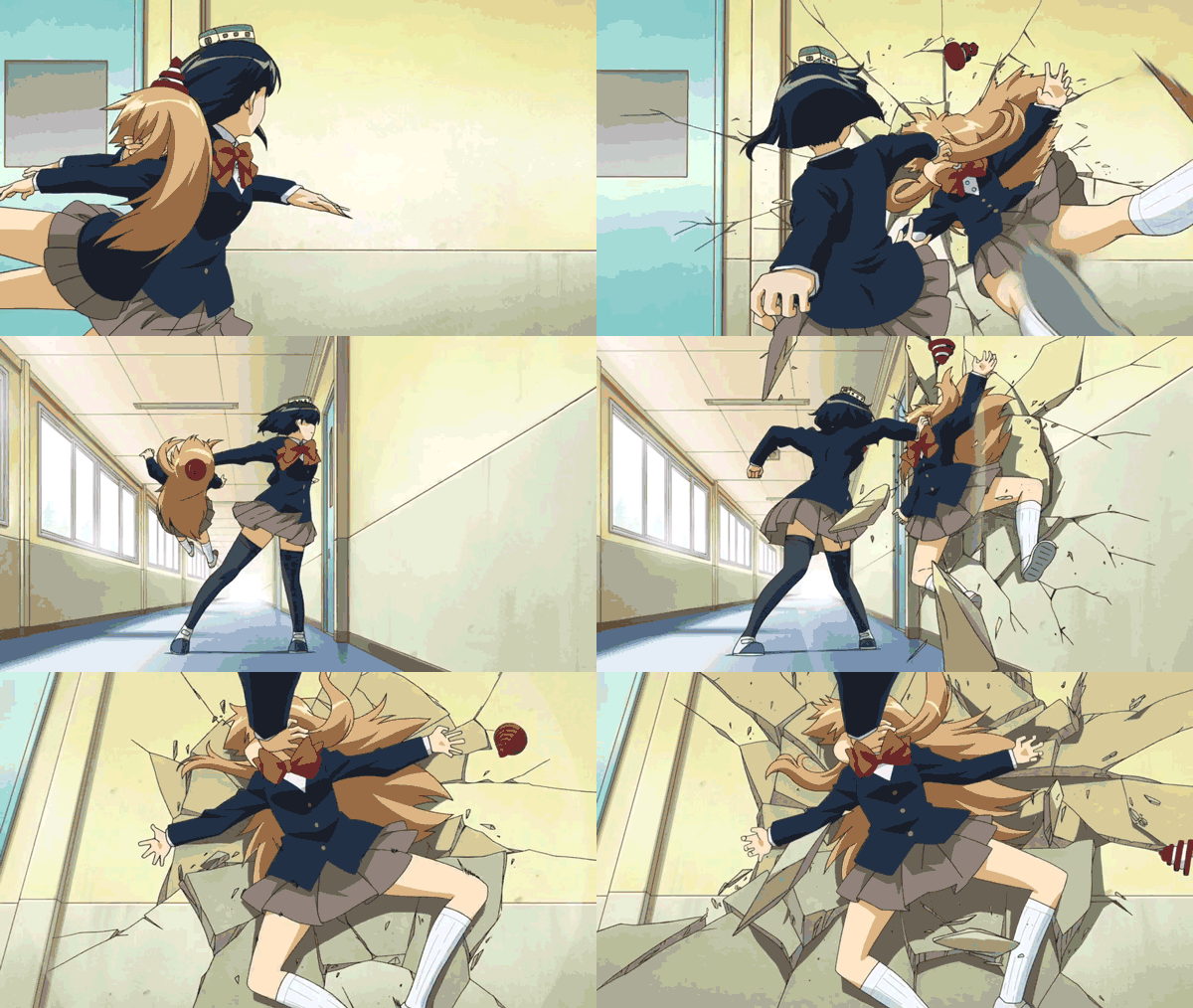
Research time! Looking at a lot of Anime gifs lately.
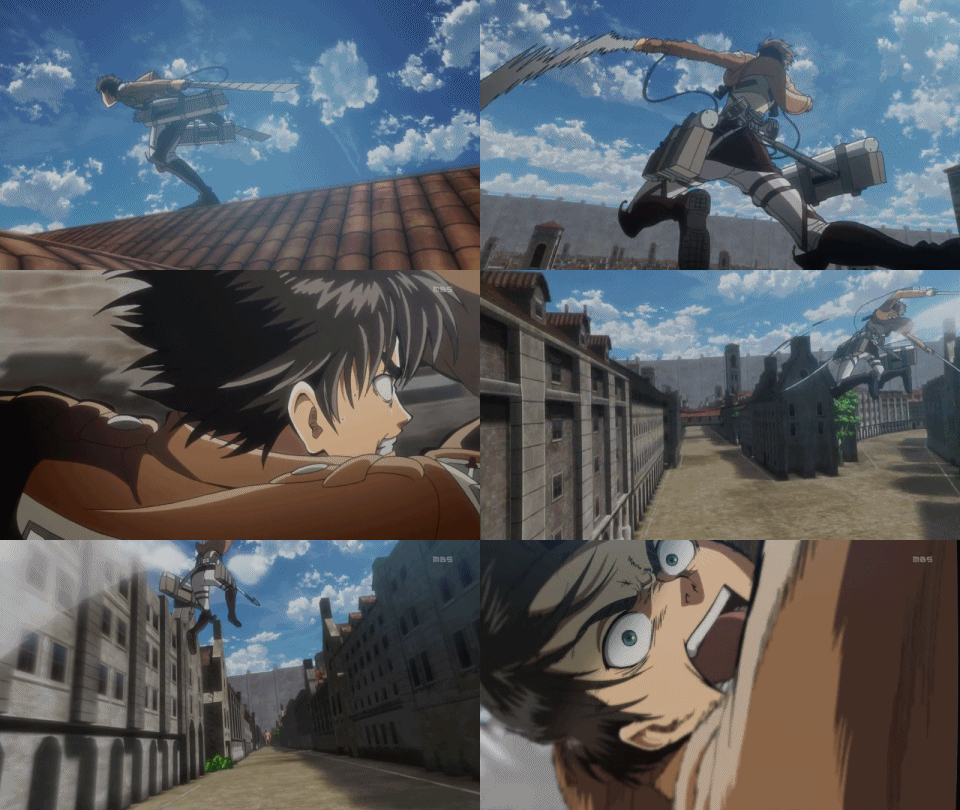
Reminds me of how much I love motion. I’d like to incorporate this where possible, mixed in with a more classical animation style for the character moments. There are a couple of hurdles to achieving that look in 3D I’ll need to solve. Time for some Technical Directing!

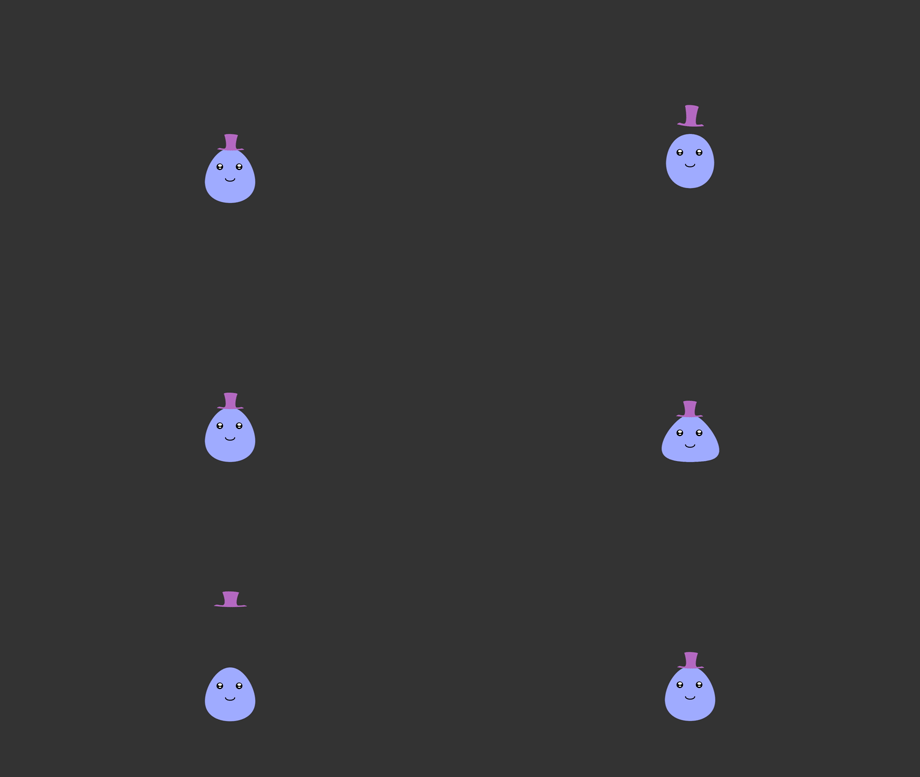
  • Rigging the model for Squash and Stretch scaling.
  • Smears on fast motion.
  • Secondary motion/action

Squash and Stretch:

This is a high priority. The first tests I imported to unity scaled the child bones as well as the parent. I haven’t found a good solution yet for this. Counter scaling the child bones to compensate seems like it would have some hidden problems. I remember many issues with scale in the past. Stay tuned for the results!

Smears:

Blendshapes and bones would both work (and maybe some extra geometry). I’d like to have total control of each frame. I’m going to test Vertex Shaders and see how far I can push things. I purchased ShaderForge to test this out. Not cheap but it seems like I’m going to need it for a lot of things.

Secondary Action:
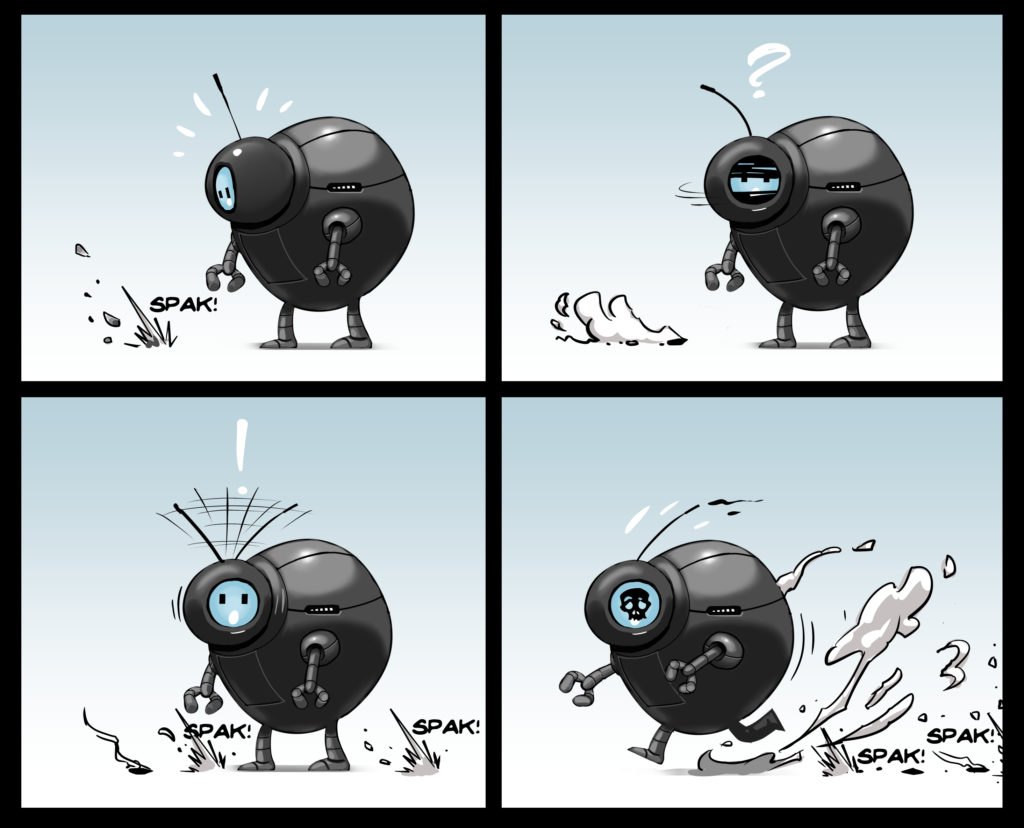
The delay of extra parts like clothes and hair can really enhance the realism of motion as well as add some flair. I’ve incorporated some robot parts that will work for my character. His head bob, antenna sway and telescoping robotic arms will all help. I considered automating these features with physical simulations, but i’m having fun doing it by hand, and the added control is a bonus.
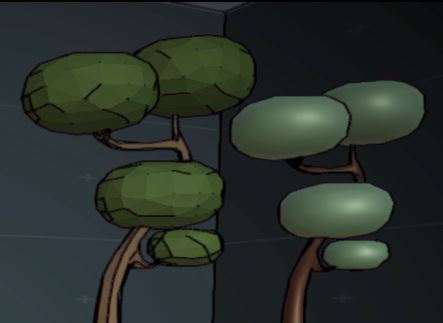
Visual Style 1.1 – Toon Shaders

To achieve the look of the 2D concept I’m going to need to sort a few things out.

  • Edge detection for the cartoon outlines
  • Textures or a Toon Shader

Edge Detection:

The default Triangle Depth Normals seems to work well. Once I’m creating environments i might need to revisit this solution. a custom shader might be necessary, but we’ll see. I’m noticing some extra edges being drawn that I think can be handled with some mesh edits. but I’ll need to test this theory.

(edit. that was it!)

Texture/ToonShader:

Looking into the various free options online, I tested a few out in unity to see which ones looked like they might work. I didn’t like a lot of the free options for various reasons, one being the way 3D Toon Shaded objects react to light while moving.

https://forums.unrealengine.com/attachment.php?attachmentid=39594&d=1431721699

I’ll do some texture work to keep things grounded and dirty, and since toon shaders can still work over them it seems like the way to go. I’ll revisit this once i have an environment built, to see if everything meshes well together. I’ll probably need to dig into shader code at some point or at the least some tutorials for ShaderForge, but I have a lot of things to do before I get there.

Some additional links:

https://en.wikipedia.org/wiki/Cel_shading

https://en.wikipedia.org/wiki/List_of_cel-shaded_video_games

Visual Style

I’ve spent some time thinking of the visual style, tossing ideas around. An animation driven game with some old school gameplay characteristics needs a look to match. Will it be 2D isometric or full 3D? Will it be hyper realistic or pixels? For now I’ll follow the design priorities I’d set out while making the player. The first images I’d drawn were all 2D cartoon style so I checked online for what people are using for hand drawn games. After watching a few videos on YouTube I did a quick test using Esoteric’s Spine program (note* demo version does not save). It allows you to rig a drawing and easily animate it with a kind of 2.5D.


https://www.instagram.com/p/BOT6T-wAHi2/?taken-by=robelsworthy&hl=en


Happy with the results but after some internal debating, a 3D model would be more flexible for the various game modes I’ll be making. I’ll create a 3D version while trying to maintain the look next.

Sketching out a Player Character

I’m interested in doing some keyframe animation for this project, so I need a character that will work well with that technique. I love old school cartoons like The Roadrunner, with their humorous squash and stretch anims. With this in mind I added things like dangling arms, and an antenna that sways with secondary motion. I did some sketches to work it all out, and came up with this little guy!

https://www.instagram.com/p/BMivf2TAFuQ/?taken-by=robelsworthy&hl=en

There are a lot of slick designs out there. I’m actually getting tired of seeing badass robots, so I went for cute and expressive. His silhouette is simple and readable. His face is a screen which can display his emotional state. I could use this to indicate game state changes as well, though i assume it won’t be visible all the time.

Some decisions need to be made regarding his anthropomorphic characteristics. I’d like him to act human, while still having robot tendencies (whatever those might be). I find it interesting that we are so devoted to recreating ourselves as a species… Automatons, Androids, Life Model Decoys.


Unity and Online Learning

After deciding to use the Unity Game engine known for its flexibility and wealth of support, I looked around for some tutorials to get started. Installing Unity took a couple of minutes, and it’s laid out in a very intuitive and user friendly way. I’ve used some pretty bare bones tools during production, and it was impressive to see how much effort went into making things accessible.


I recommend checking out this online game development course from Michigan state university. https://www.coursera.org/learn/game-development. The course is free to audit, and it got me up and running with the Unity environment in hours. There are lots of tutorials online as well, though there is a lot to sift through out there. I’ll post a list of ones I found useful on the sidebar when i get a minute to organize them.


Welcome!

And so it begins. The idea behind this blog is to share and promote ideas and techniques for game development. First up I’ll be designing a game prototype in Unity.

I’ll share the step by step process, and link to resources I’ve found online that I think might be helpful for others.

Cheers!